

Overview
Inventory offers a centralized way to manage products inside LNbits while keeping the data reusable across multiple extensions.
Instead of each extension maintaining its own product list, Inventory can act as a single source of truth for item data and stock levels.
Highlights
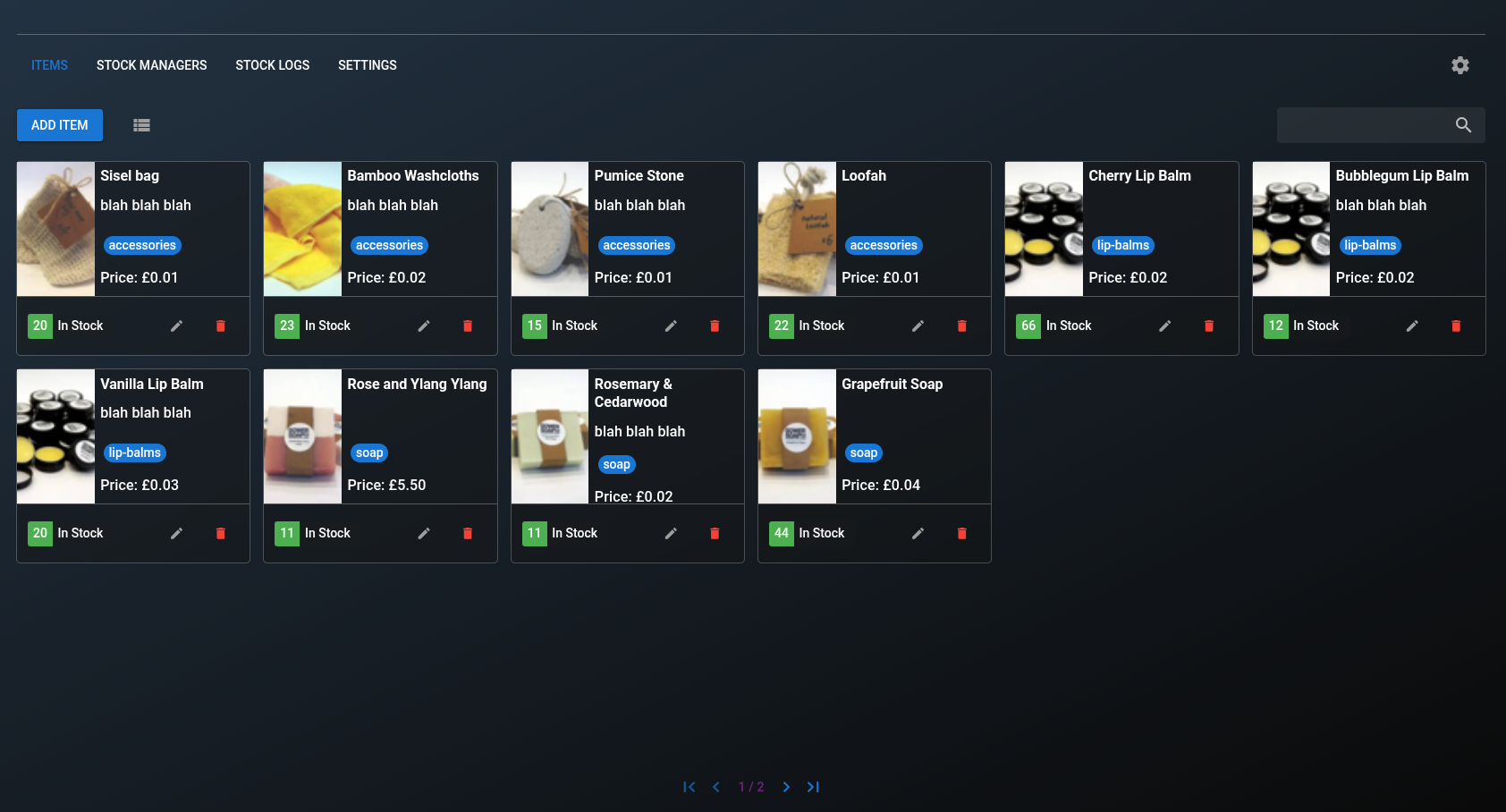
- Create, edit, and manage inventory items
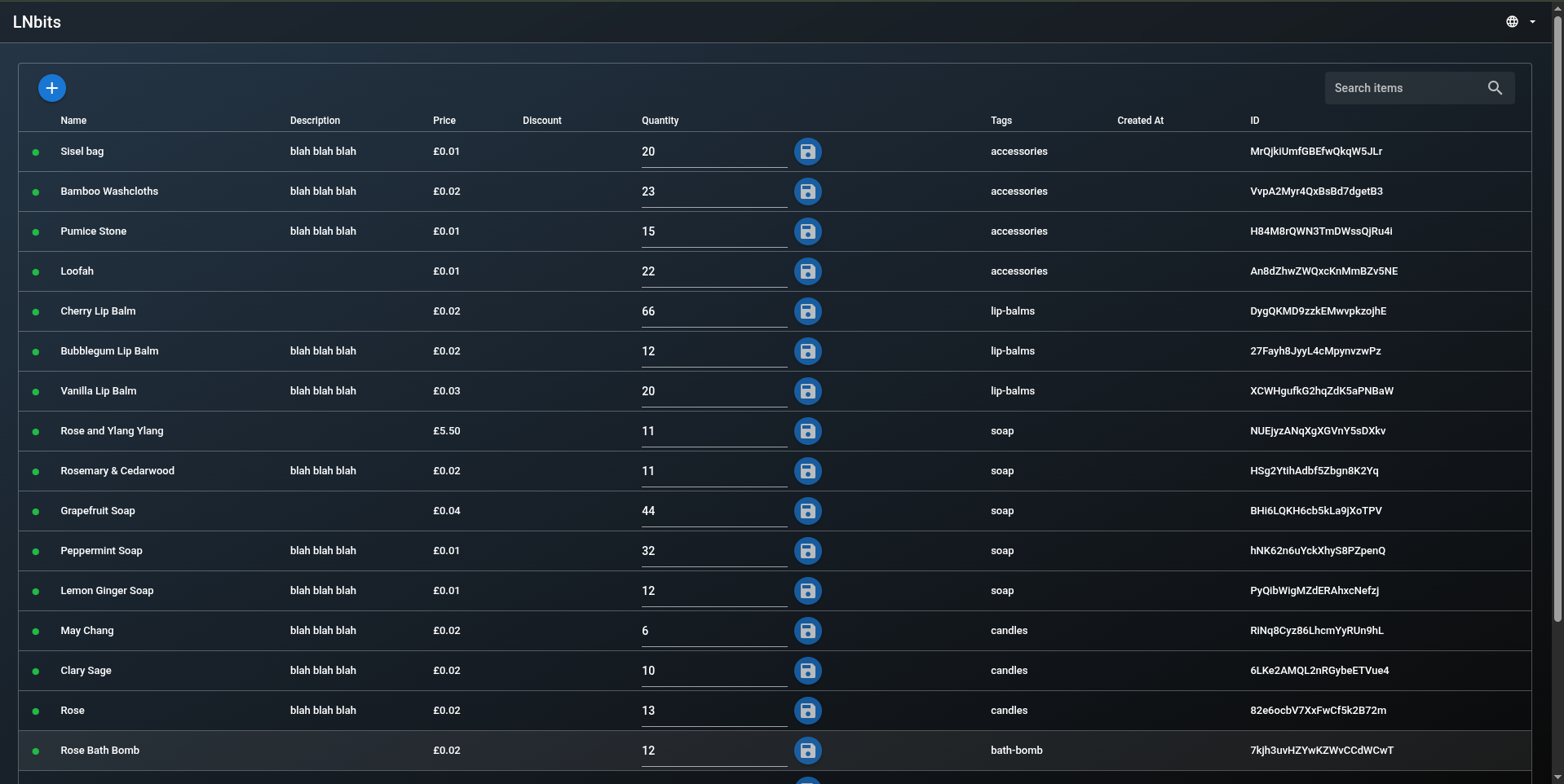
- Track stock quantities with quick inline updates
- Store item metadata such as names, descriptions, and tags
- Tag items for easier filtering and organization
- Share inventory data across multiple LNbits extensions
Typical Use Cases
- Managing products for point-of-sale or checkout extensions
- Reusing item data across multiple LNbits extensions
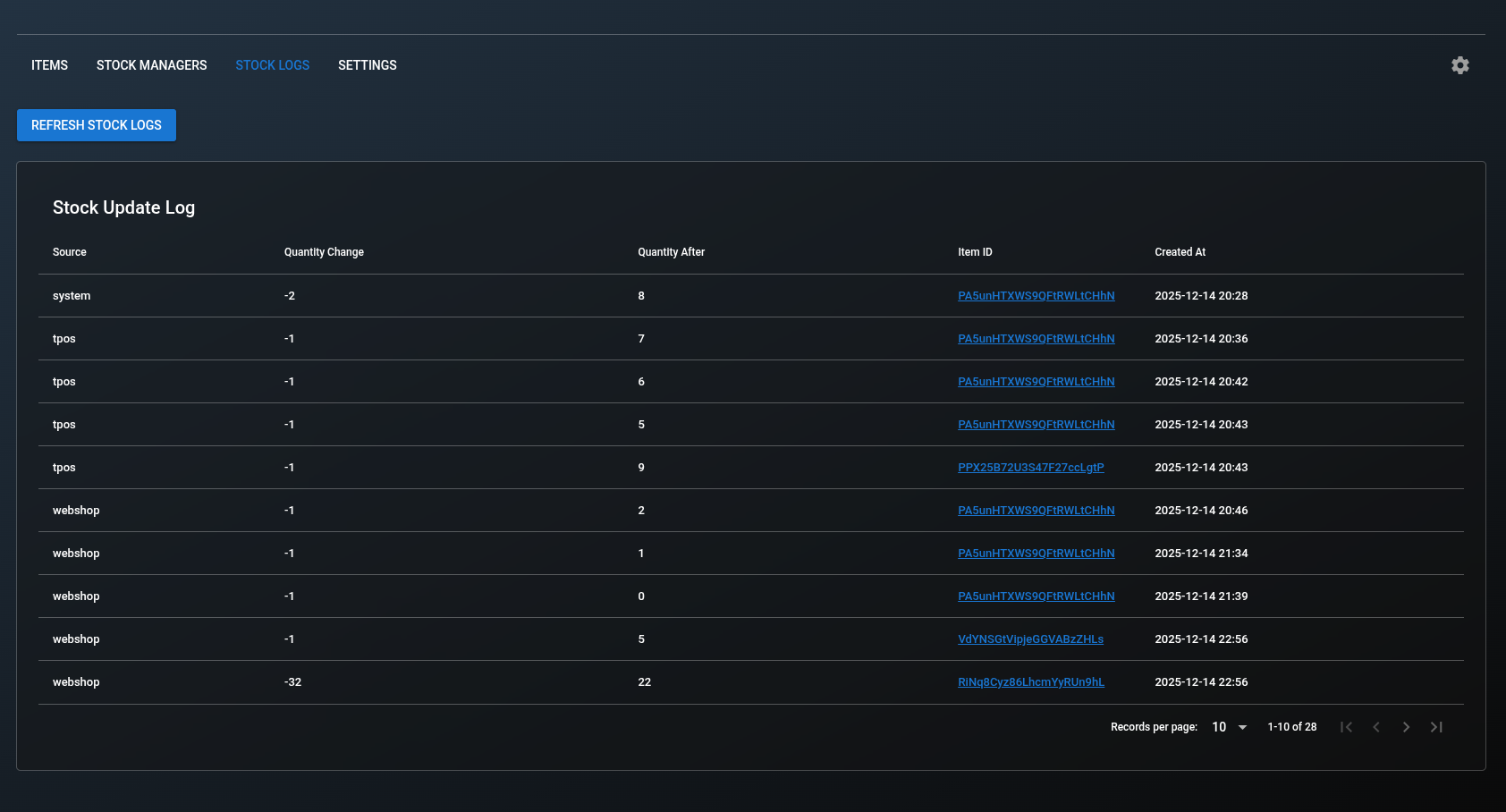
- Tracking availability and stock changes over time
- Keeping product information centralized and consistent
Standalone and Integrations
The Inventory extension can be used on its own as a lightweight inventory manager.
When used alongside other LNbits extensions, it can provide:
- Shared access to item definitions
- Centralized stock tracking
- Consistent product metadata across different workflows
This makes it especially useful for PoS-style setups and other extensions that depend on structured product data.
Screenshots
Notes
- Inventory focuses on item management and availability, not payments.
- Extensions that integrate with Inventory remain responsible for their own payment logic and workflows.
API Reference
See the Inventory API documentation for endpoint details.
Related Pages
- Inventory API Reference: API endpoints for this extension
- All Extensions: Browse all LNbits extensions